Operative Products
Mayfair Cloud
A desktop in your browser, with a library of apps behind one sign in.
- Group
- Operative Products
- Status
- Live
- Where
- Mayfair Cloud
01What it is
Mayfair Cloud is Mayfair OS in the browser. You sign in with a Mayfair account and get windows, a start menu, a taskbar, settings and a library of apps, with your files and data stored on Mayfair Cloud.
Who it is for. Individuals and small teams who want their tools in one place, on any computer.
02Features
What it does.
- 01A browser desktop with windows, a taskbar, a start menu and 38 Settings pages.
- 02Sign in with your Mayfair account. Files, settings, contacts, calendar, tasks and notes sync between your devices.
- 03An App Library to switch apps on and off, with categories and search.
- 04Apps for files, documents, spreadsheets, slides, notes, photos, finance, passwords and small tools. Each has its own page on this site.
- 05Installs as an app from the browser, and has a phone layout.
Apps in Mayfair Cloud
23 apps you can open there.
Each app has its own page. The Mail Suite apps, such as Docs and Calendar, open on their own addresses.
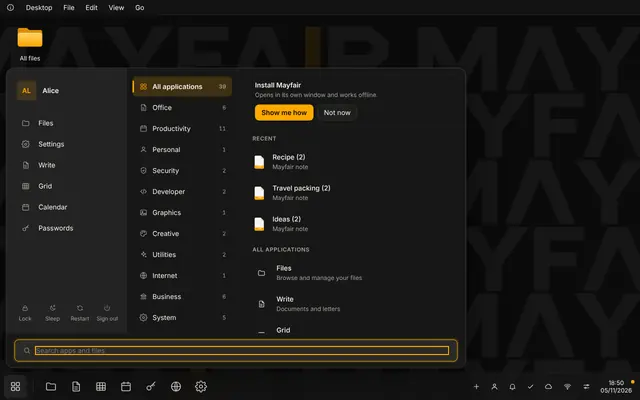 LiveApp LibrarySwitch the apps in Mayfair Cloud on and off, with categories and search.
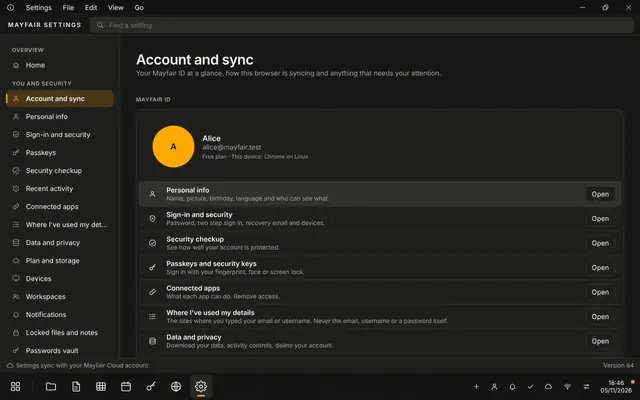 LiveSettingsAppearance, account, privacy, storage and the desktop, in one app.
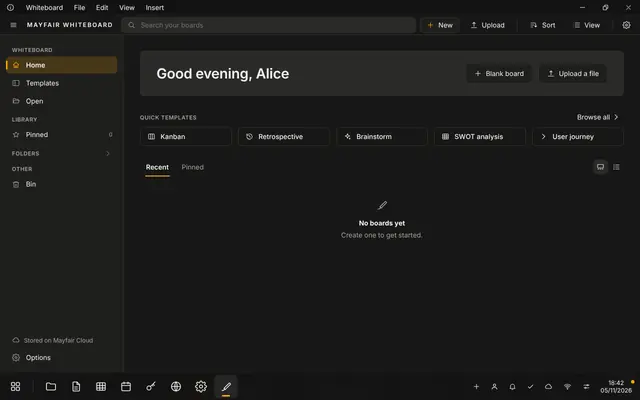 LiveWhiteboardAn open canvas with shapes, sticky notes and mind maps.
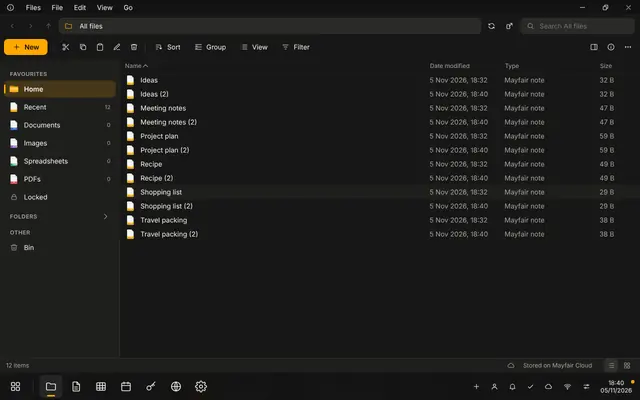 LiveFilesBrowse your files with tabs, split view, versions and a bin.
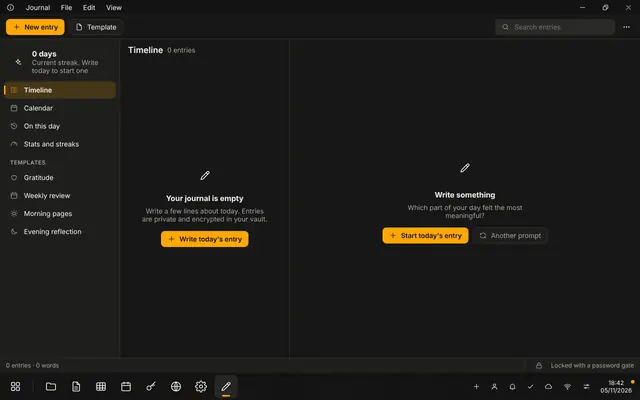 LiveJournalA daily journal with mood, tags and templates. Entries can be locked.
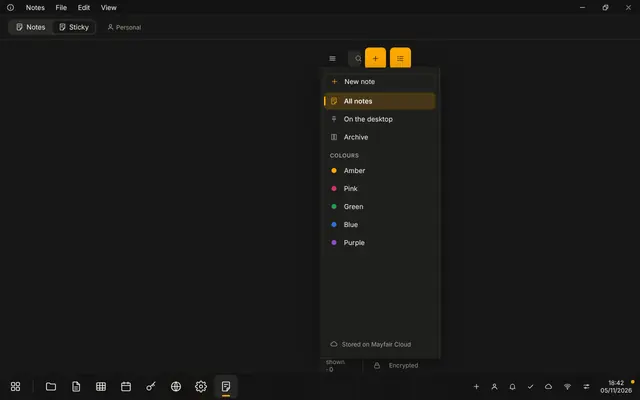 LiveSticky NotesQuick notes kept on your desktop.
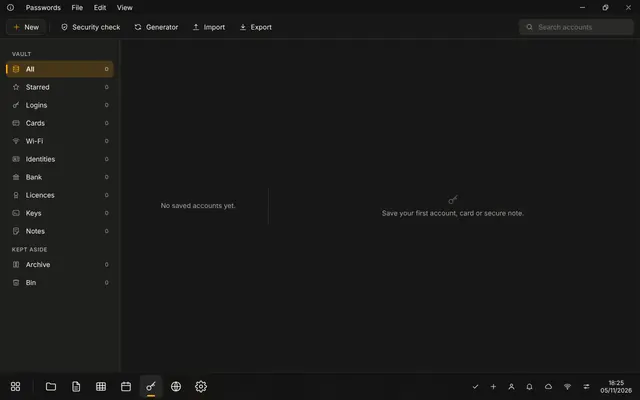 LivePasswordsKeep logins, cards and one time codes. Secret fields are encrypted before they are saved.
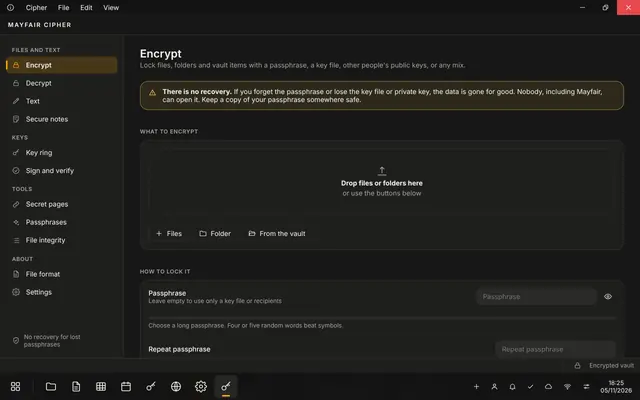 LiveCipherEncrypt and decrypt files and text.
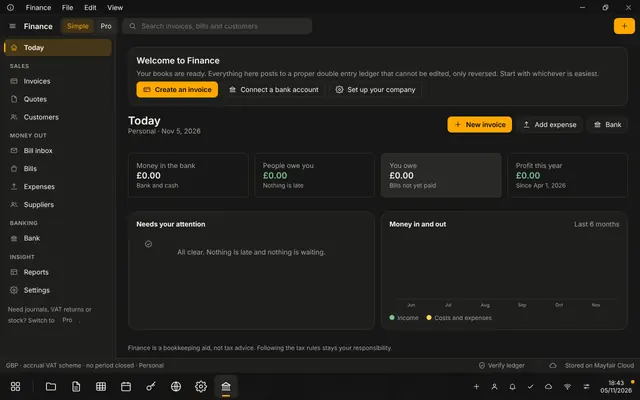 LiveFinanceInvoices, quotes, expenses, bank reconciliation and VAT reports. It does not collect payments.
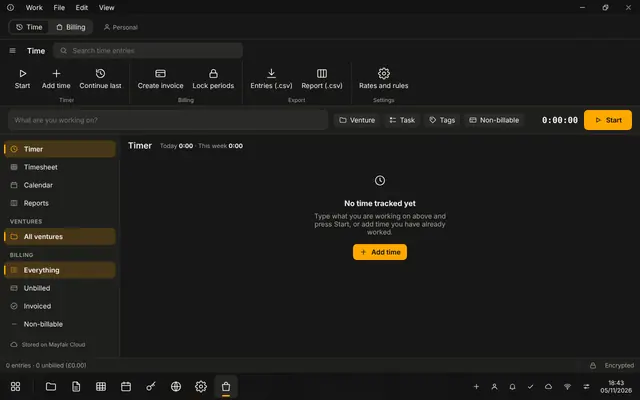 LiveTime TrackerTrack the time you spend.
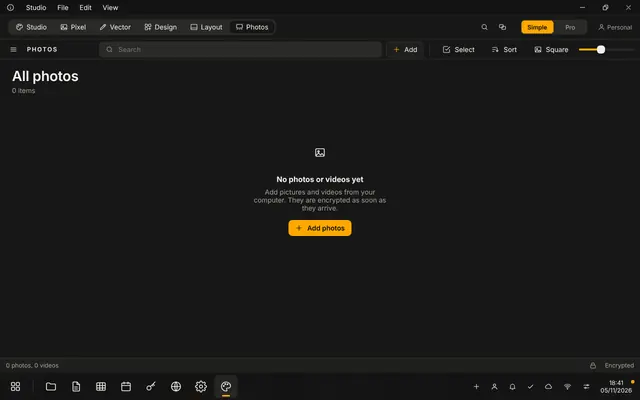 LivePhotosA photo library with albums, favourites, a viewer and basic editing.
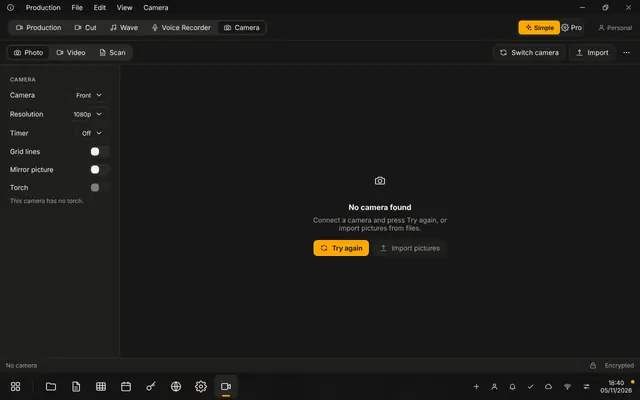 LiveCameraTake photos and video, and scan documents to PDF.
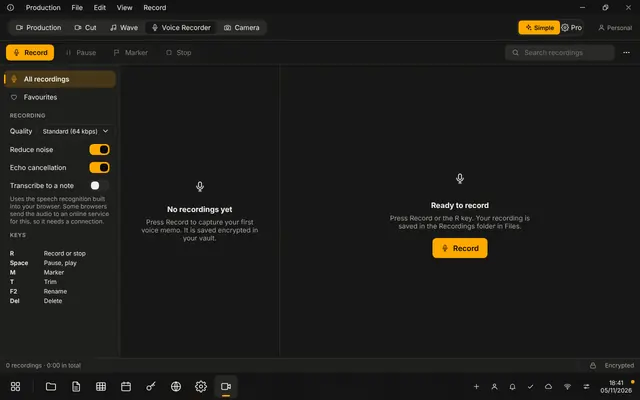 LiveVoice RecorderRecord, trim and tidy audio, with markers.
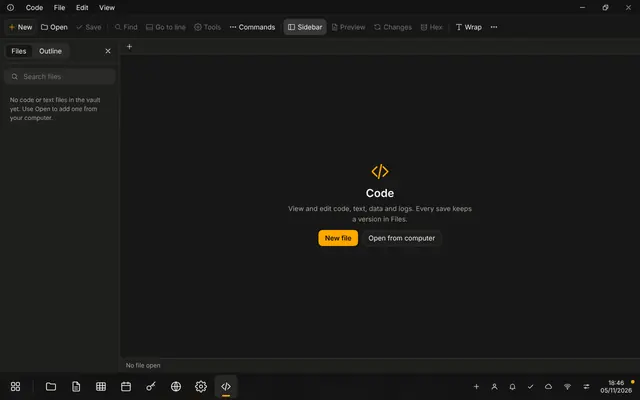 LiveCodeA code editor with syntax highlighting and a project tree.
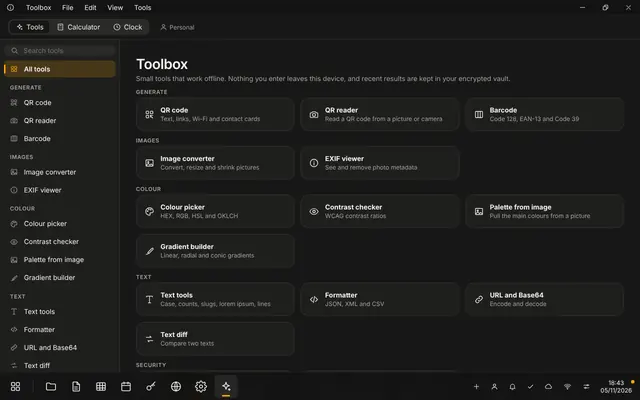 LiveToolboxQR codes, converters, hashes, formatters and other small tools.
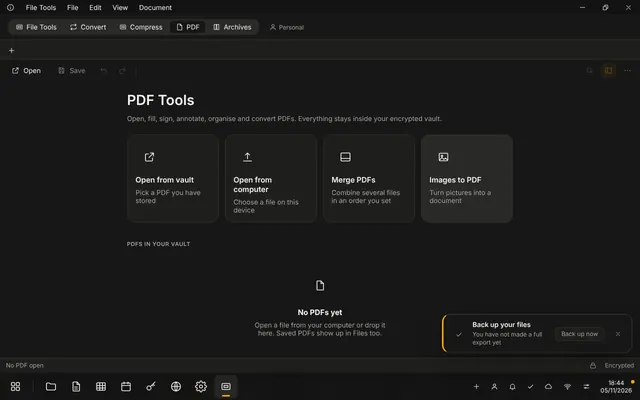 LivePDF toolsMerge, split, rotate, annotate, fill and sign PDFs.
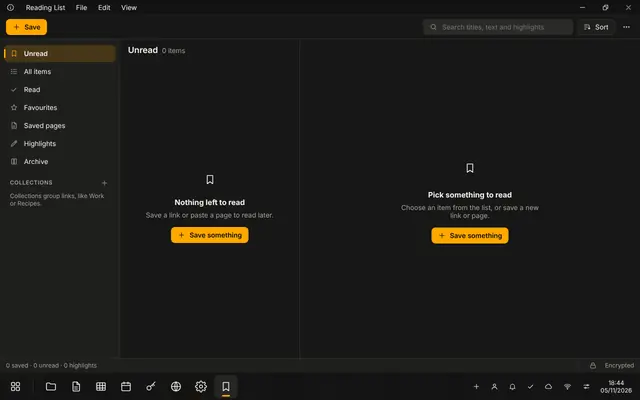 LiveReadingSave pages to read offline, with highlights and collections.
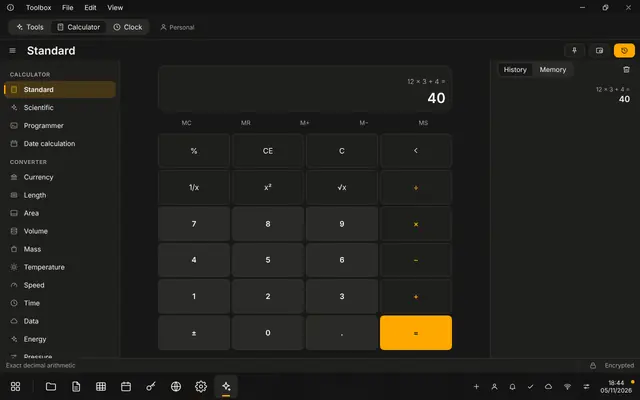 LiveCalculatorA calculator with units.
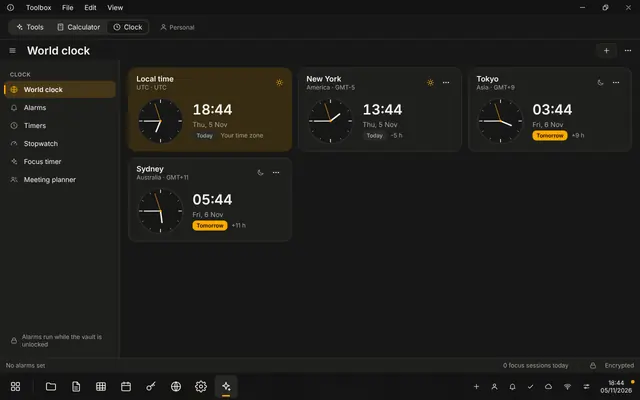 LiveClockClocks, timers and alarms.
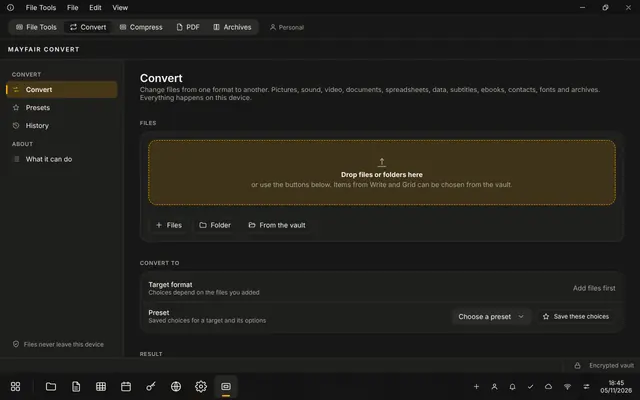 LiveConverterConvert files and documents between formats.
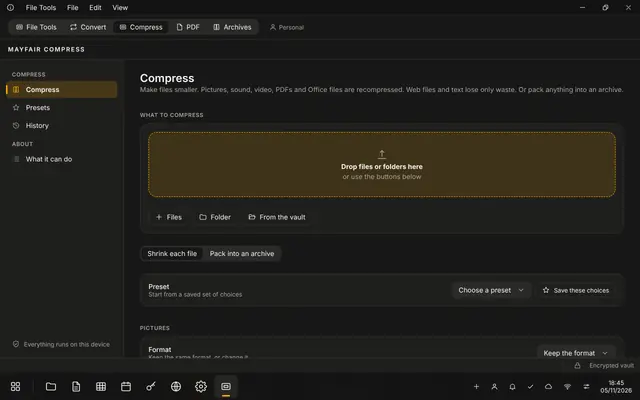 LiveCompressorMake files smaller.
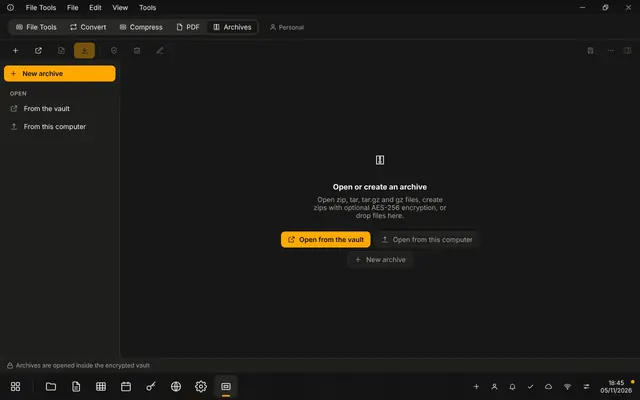 LiveArchive ManagerBrowse and unpack zip and tar.gz archives.
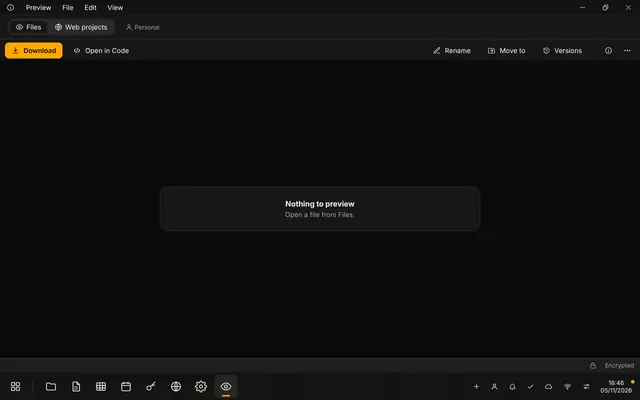 LivePreviewOpen PDF, audio, video, zip and text files quickly.
03Screens
What it looks like.
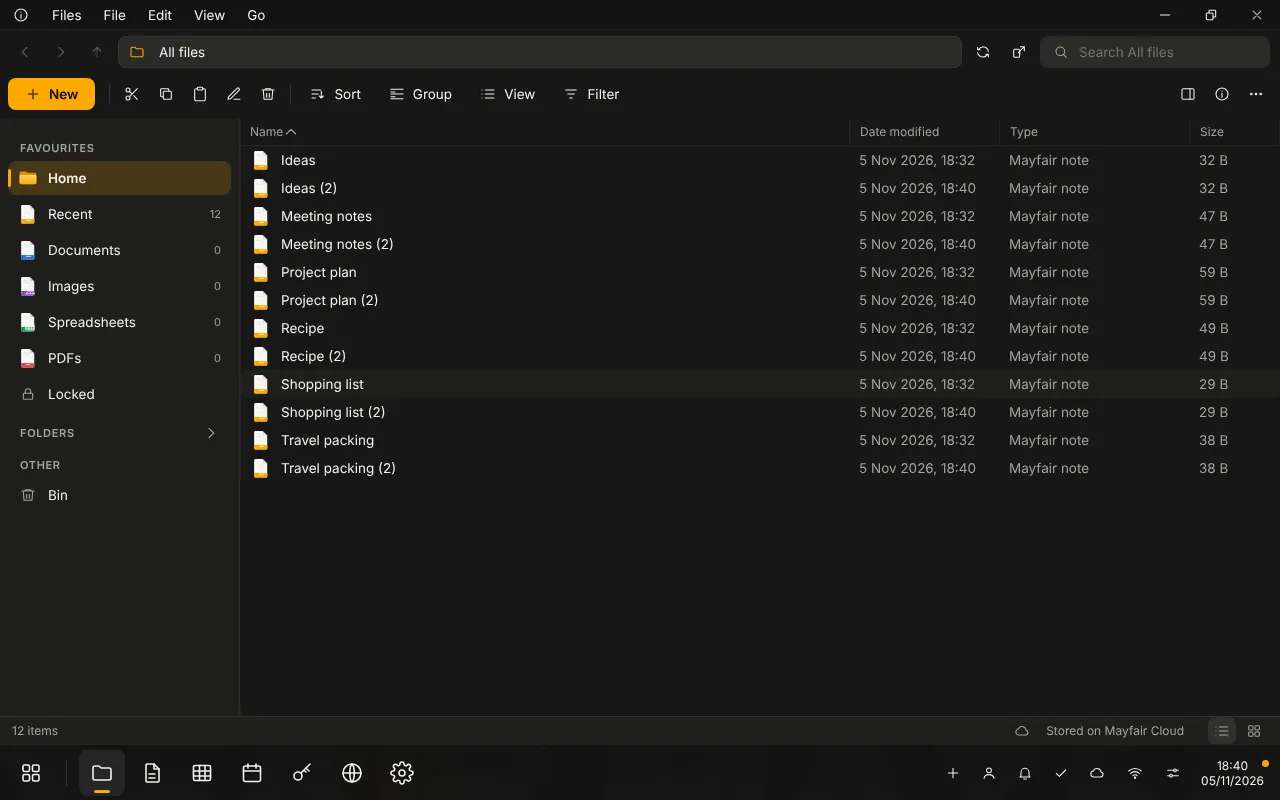
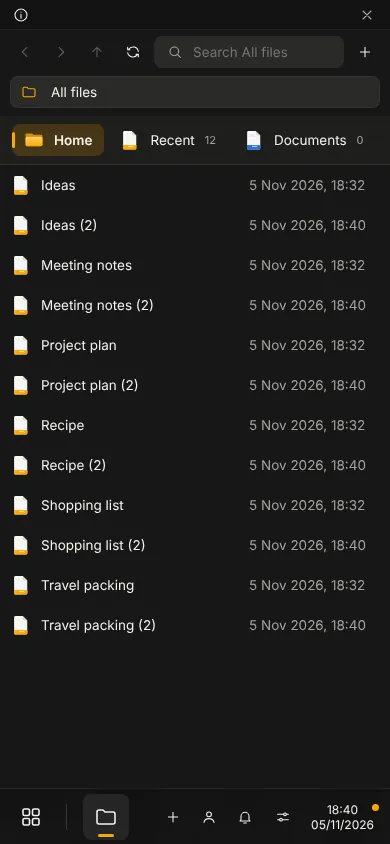
Screens show the running app with no personal data.
04Status
Live
Live. You can use it today.
Live. Some parts are still limited: there are no workspaces yet, and no sharing between people inside the desktop.
- Group
- Operative Products
- Status
- Live
- Where
- Mayfair Cloud
Related
All Operative ProductsThe platforms everything runs on: operating system, cloud, desktop, identity.Mayfair OSThe Mayfair desktop. It runs in your browser today as Mayfair Cloud.App LibrarySwitch the apps in Mayfair Cloud on and off, with categories and search.SettingsAppearance, account, privacy, storage and the desktop, in one app.FilesBrowse your files with tabs, split view, versions and a bin.
Contact the office
Use Mayfair Cloud.
Questions about it go to the office.