Workspace Tools
Docs
Write documents with real pages, comments and track changes. Opens and saves Word files.
- Group
- Workspace Tools
- Status
- Live
- Where
- docs.mayfairmail.com
01What it is
Docs is a word processor in the browser, in the Mail Suite. It has a ribbon, real pages with headers and footers, comments, track changes and version history.
Who it is for. Anyone who writes letters, reports and documents, and needs to swap Word files.
02Features
What it does.
- 01Ribbon tabs: Home, Insert, Layout, References, Review and View, with Table and Picture tabs when you need them.
- 02Page breaks, headers, footers and page numbers drawn as pages.
- 03Comments and replies, and track changes.
- 04Contents, footnotes and equations.
- 05Autosave with restore points.
- 06Opens .docx, .html, .md and .txt, and saves Word, web page, Markdown and plain text.
03Screens
What it looks like.
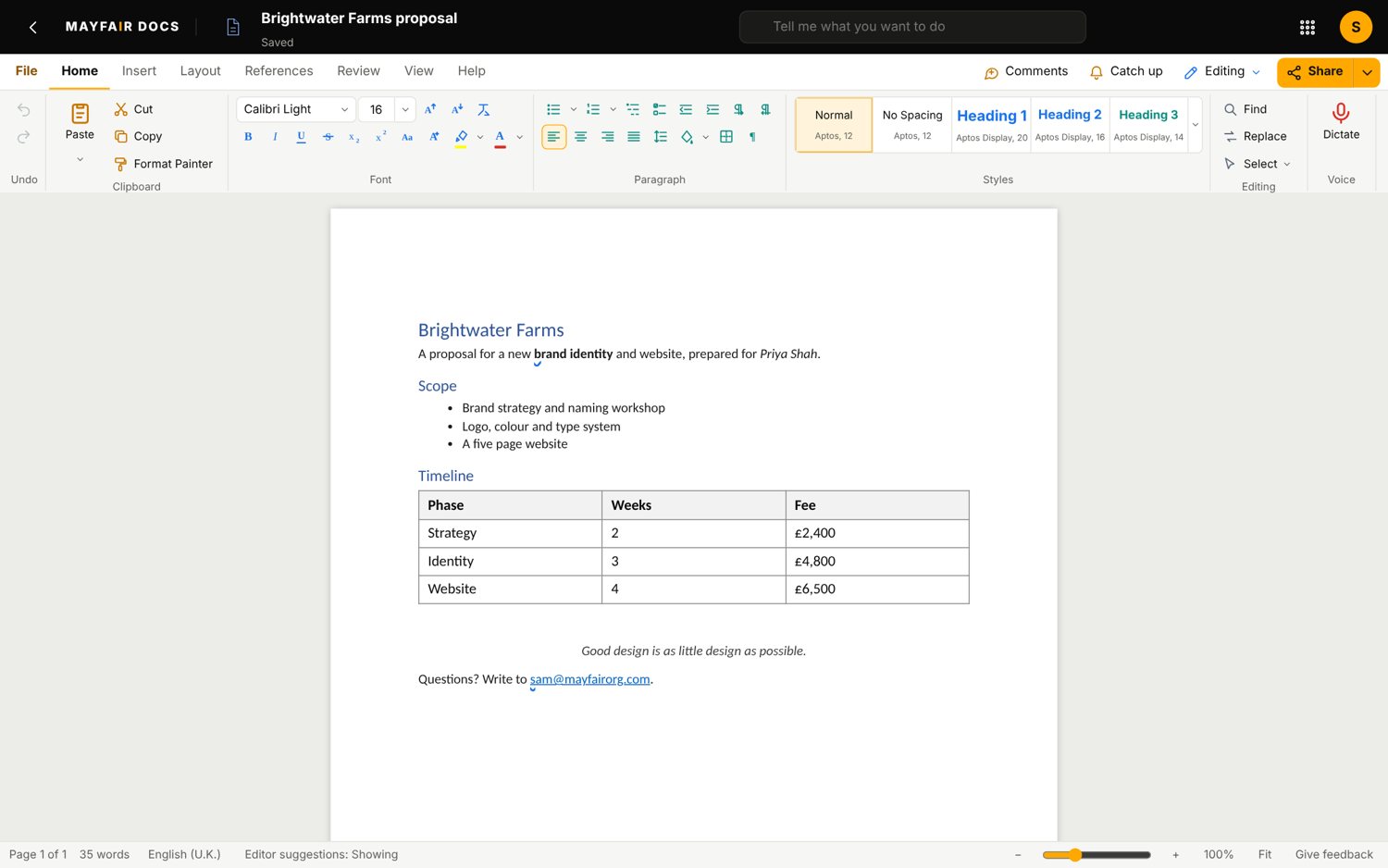
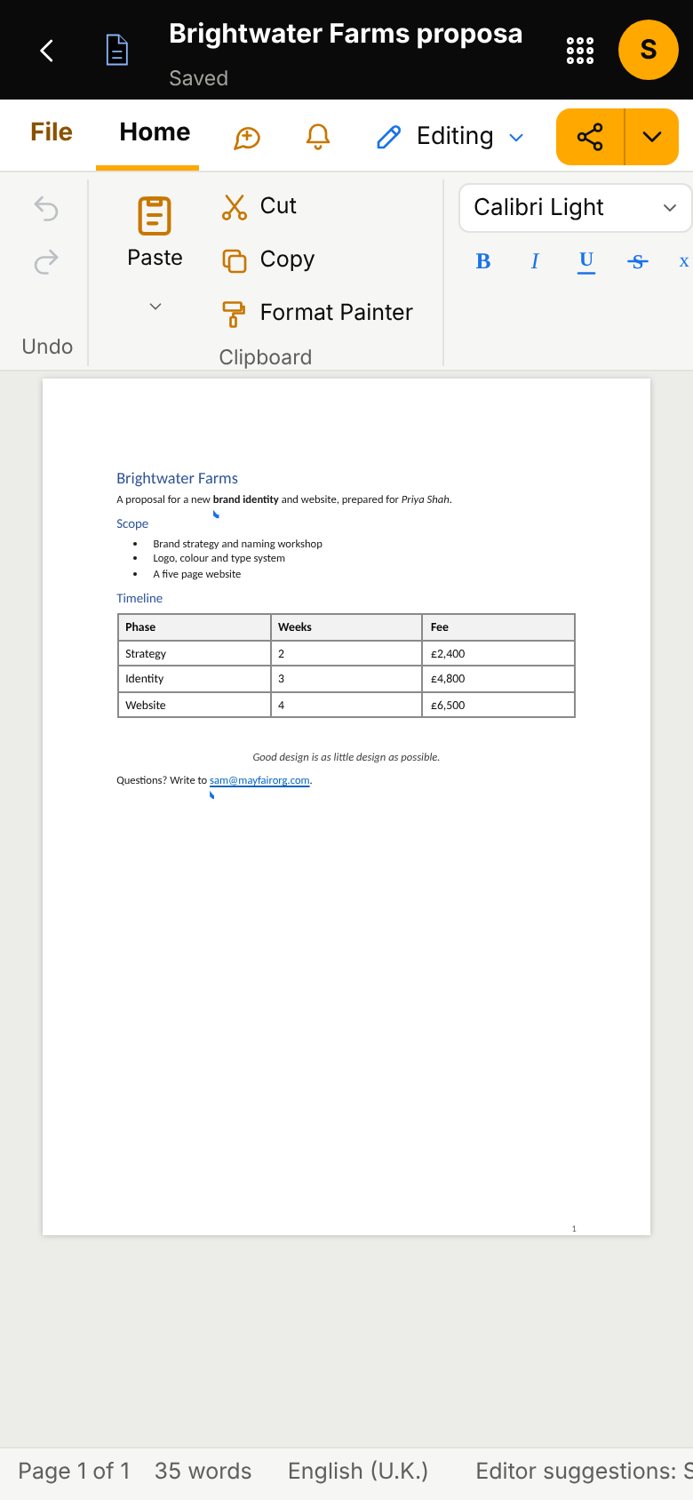
Screens are from the Mail Suite, with sample data.
04Status
Live
Live. You can use it today.
Sharing is by a view only link. Several people cannot edit at once yet. Track changes does not record Enter or formatting changes.
- Group
- Workspace Tools
- Status
- Live
- Where
- docs.mayfairmail.com
Related
All Workspace ToolsEveryday productivity: documents, spreadsheets, slides, storage, planning.SheetsSpreadsheets with formulas, charts and pivot tables. Opens and saves Excel files.SlidesPresentations with themes, speaker notes and full screen presenting.DriveKeep your files in folders and find them again.Mayfair MailEmail on your own domain, with a set of work apps around it on one sign in.
Contact the office
Use Docs.
Questions about it go to the office.