Workspace Tools
Drive
Keep your files in folders and find them again.
- Group
- Workspace Tools
- Status
- Live
01What it is
Drive is online file storage in the Mail Suite. You upload files and folders, preview them in the browser and share a link.
Who it is for. Anyone who needs files in one place and a simple way to share them.
02Features
What it does.
- 01Upload files and whole folders by button or drag and drop.
- 02Preview images, PDF, video, audio and text without downloading.
- 03Share a view and download link that needs no sign in.
- 04Version history keeps the last 10 versions. Deleted files stay in a bin for 30 days.
- 05A Photos view groups pictures by month.
- 06Browse your email attachments and save them to Drive.
03Screens
What it looks like.
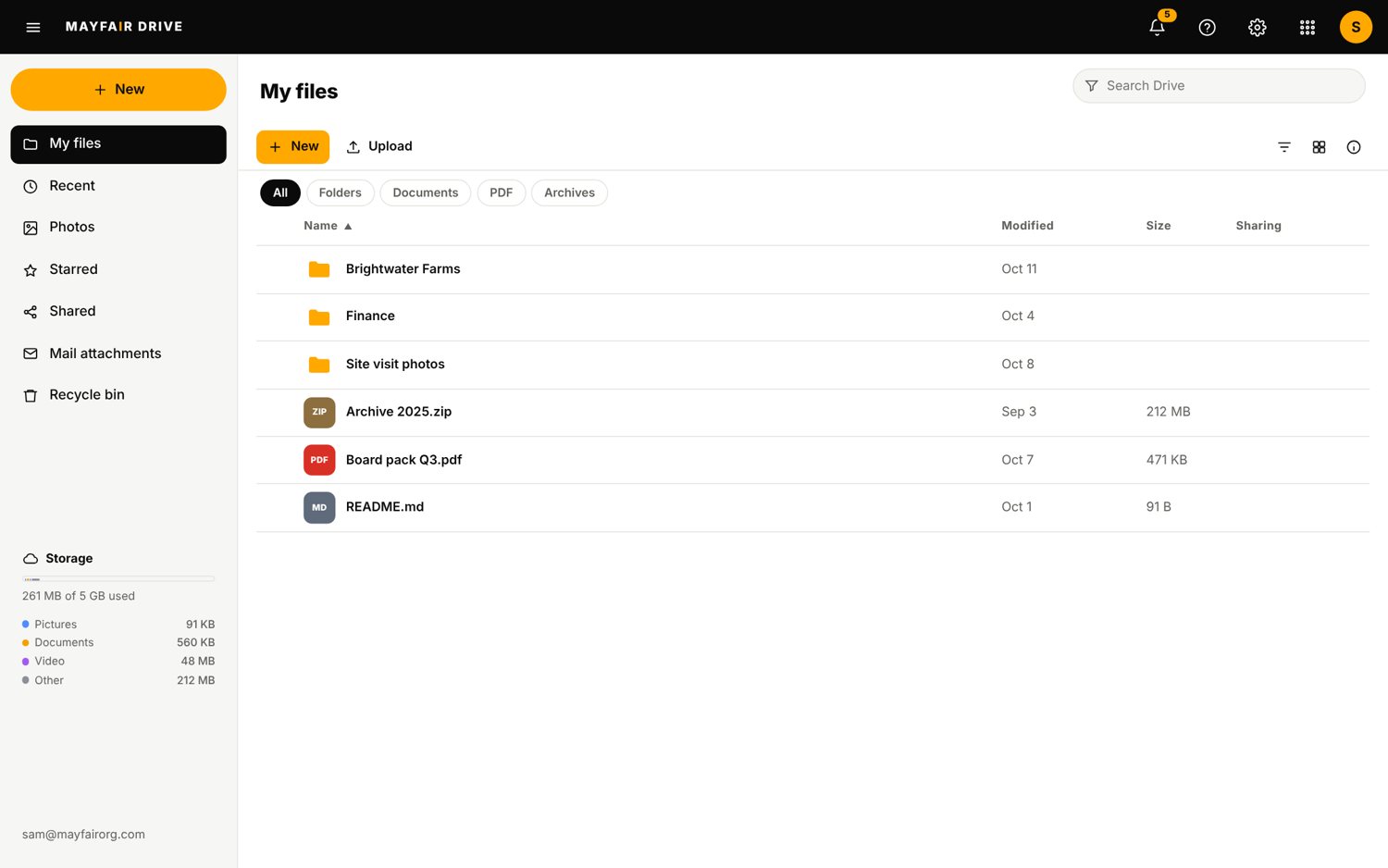
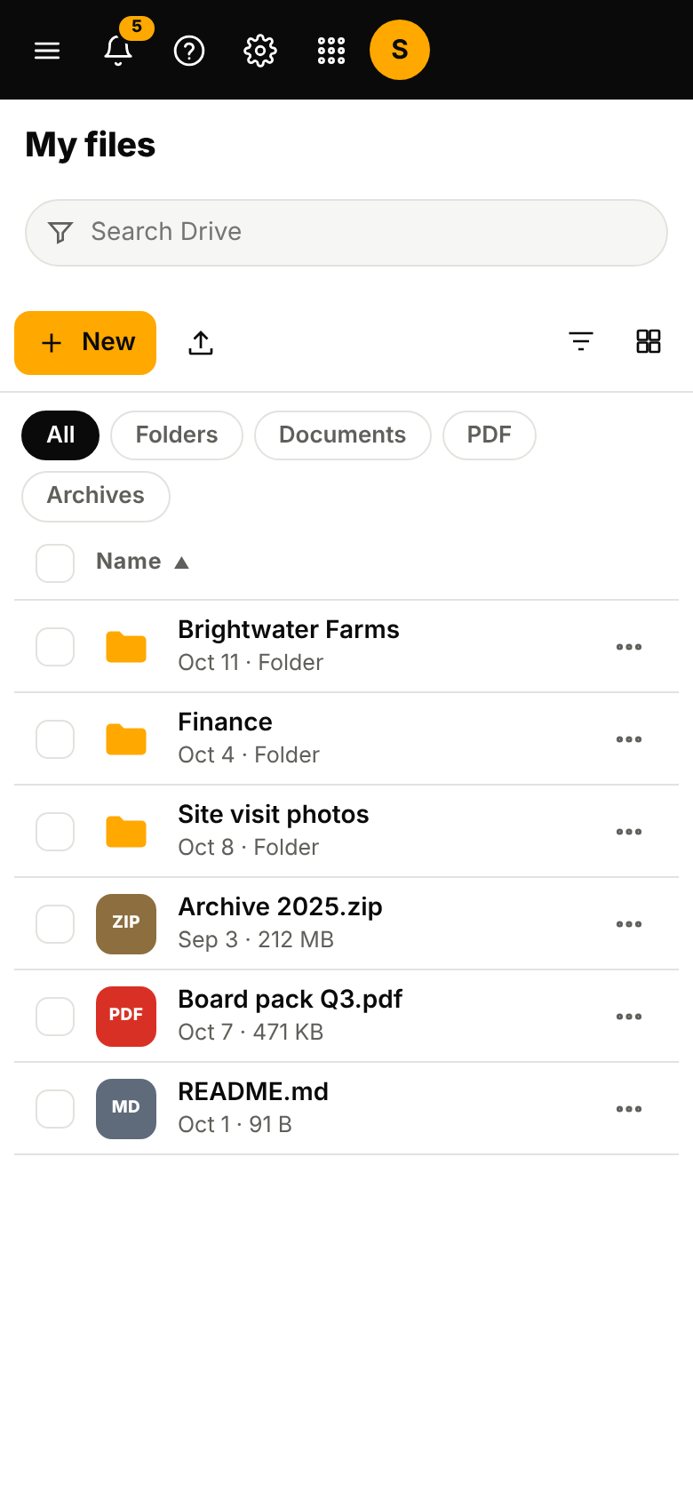
Screens are from the Mail Suite, with sample data.
04Status
Live
Live. You can use it today.
Each file can be up to 100 MB. Share links are view and download only.
- Group
- Workspace Tools
- Status
- Live
Related
All Workspace ToolsEveryday productivity: documents, spreadsheets, slides, storage, planning.FilesBrowse your files with tabs, split view, versions and a bin.DocsWrite documents with real pages, comments and track changes. Opens and saves Word files.Mayfair MailEmail on your own domain, with a set of work apps around it on one sign in.
Contact the office
Use Drive.
Questions about it go to the office.