Mayfair OS
The Mayfair desktop. It runs in your browser today as Mayfair Cloud.
- Group
- Operative Products
- Status
- Live
- Where
- Mayfair Cloud
Mayfair OS is the desktop that holds the Mayfair apps: one sign in, windows, a start menu, settings and an App Library. Today it runs in the browser as Mayfair Cloud. The account, settings, search and storage screens described here are part of it.
Who it is for. People who want one place for their files, notes and tools, on any computer with a browser.
What it does.
- 01One Mayfair sign in with two step sign in, recovery, lockouts, an activity log and a list of devices.
- 02About 45 registered apps behind one desktop, switched on and off in the App Library.
- 03Files, settings and data such as contacts, calendar, tasks and notes sync between devices, with conflict copies and an offline queue.
- 04Search across apps, settings, files and document text, and your contacts, in the OS itself.
- 05A storage screen that shows use against your plan, with tidy up and duplicate finding.
- 06A Task Manager that lists open windows and performance.
What it looks like.
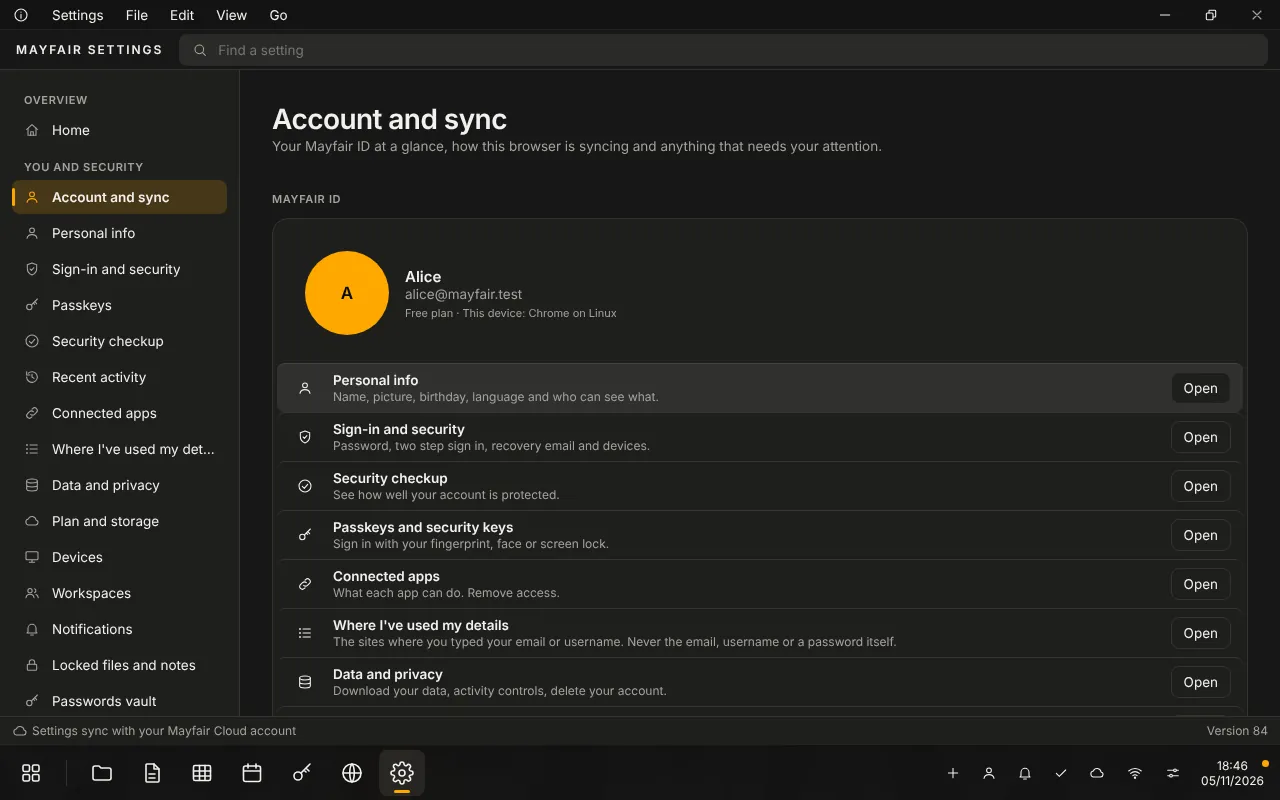
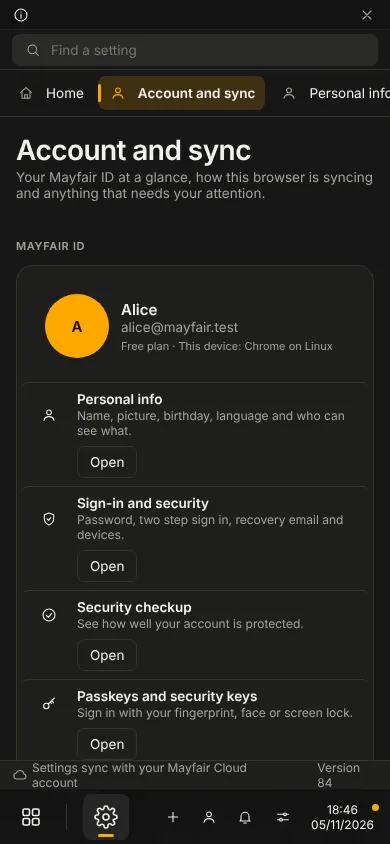
Screens show the running app with no personal data.
Live
Live. You can use it today.
It works today in the browser as Mayfair Cloud. A desktop app and a USB edition are being built. Workspaces (separate spaces for teams and projects) are not built yet. There are no subscriptions or billing yet and no passkeys.
- Group
- Operative Products
- Status
- Live
- Where
- Mayfair Cloud
Use Mayfair OS.
Questions about it go to the office.