Operative Products
Settings
Appearance, account, privacy, storage and the desktop, in one app.
- Group
- Operative Products
- Status
- Live
- Where
- Mayfair Cloud
01What it is
Settings is the control panel of Mayfair OS. It covers your Mayfair account, sign in and security, appearance, the desktop, language and accessibility, storage and backup.
Who it is for. Everyone who uses Mayfair Cloud.
02Features
What it does.
- 01Account and sync: your Mayfair ID, plan and storage, devices and recent activity.
- 02Sign in and security, passkeys screen, security checkup and connected apps.
- 03Themes, colours, wallpaper, fonts, windows, motion and per app looks, with a theme editor.
- 04Desktop, taskbar, start menu and window options.
- 05Shortcuts, mouse and touch, date, time and region, language and typing, accessibility.
- 06Storage, backup and recovery, software update and offline options.
03Screens
What it looks like.
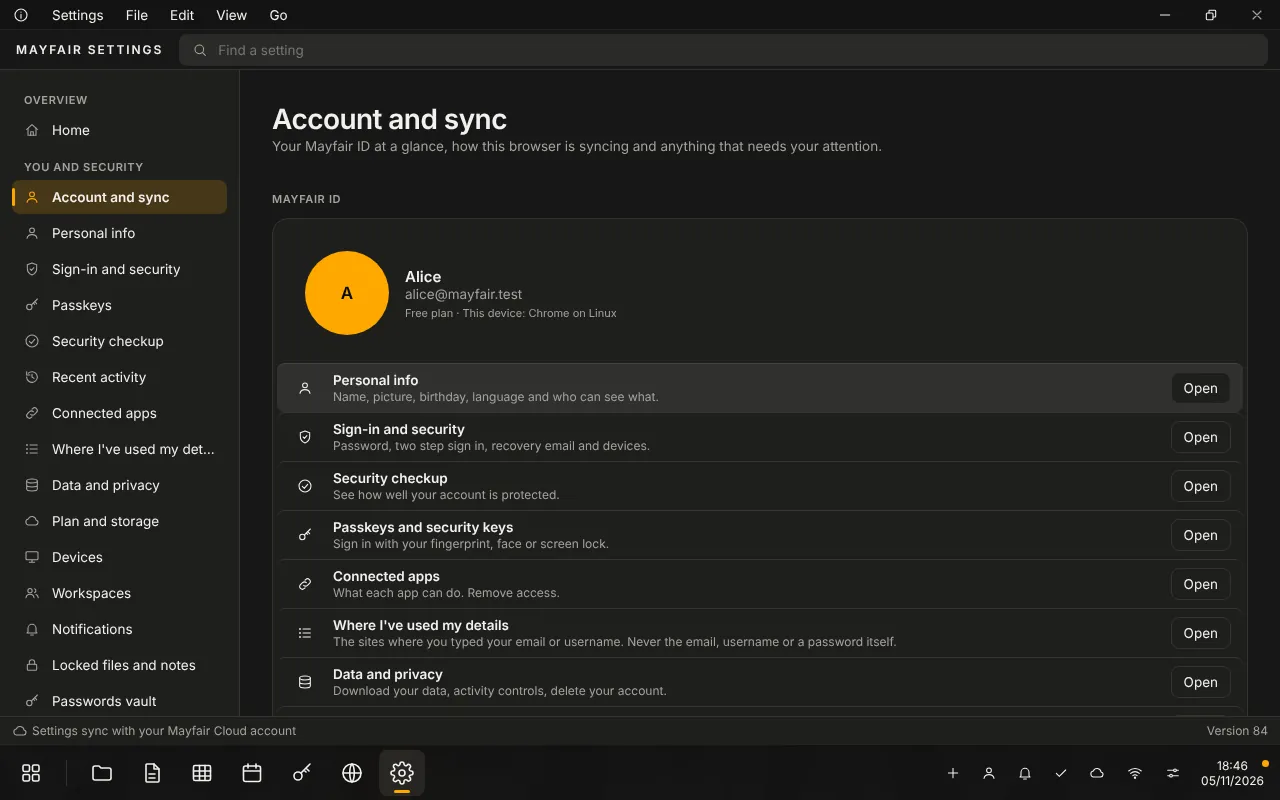
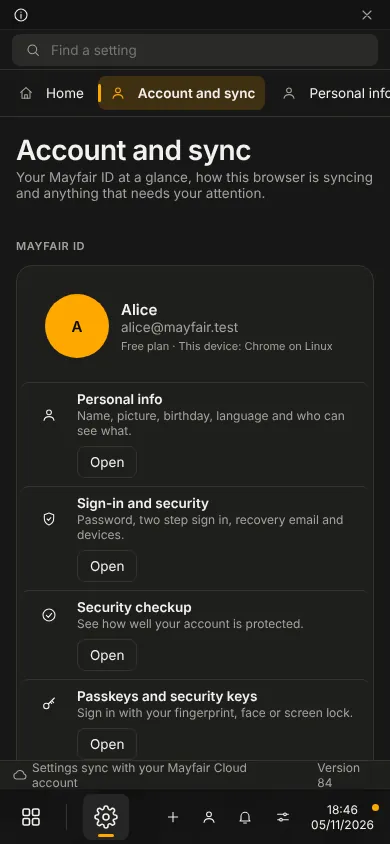
Screens show the running app with no personal data.
04Status
Live
Live. You can use it today.
Some pages still point to Mail on the web, such as the full device list. There is no workspace configuration yet.
- Group
- Operative Products
- Status
- Live
- Where
- Mayfair Cloud
Contact the office
Use Settings.
Questions about it go to the office.