Workspace Tools
Files
Browse your files with tabs, split view, versions and a bin.
- Group
- Workspace Tools
- Status
- Live
- Where
- files.mayfairmail.com and Mayfair Cloud
01What it is
Files is the file manager of Mayfair Cloud. It shows everything stored on your Mayfair Cloud, with views, tags, previews and versions.
Who it is for. Everyone who uses Mayfair Cloud.
02Features
What it does.
- 01Tabs, split view and several windows.
- 02Shortcuts for Recent, Documents, Images, Spreadsheets, PDFs and Locked items.
- 03Versions of a file, and a bin.
- 04Tags, previews and zip.
- 05Sort, group, filter, and list or grid views.
- 06Lock single files with a password gate.
03Screens
What it looks like.
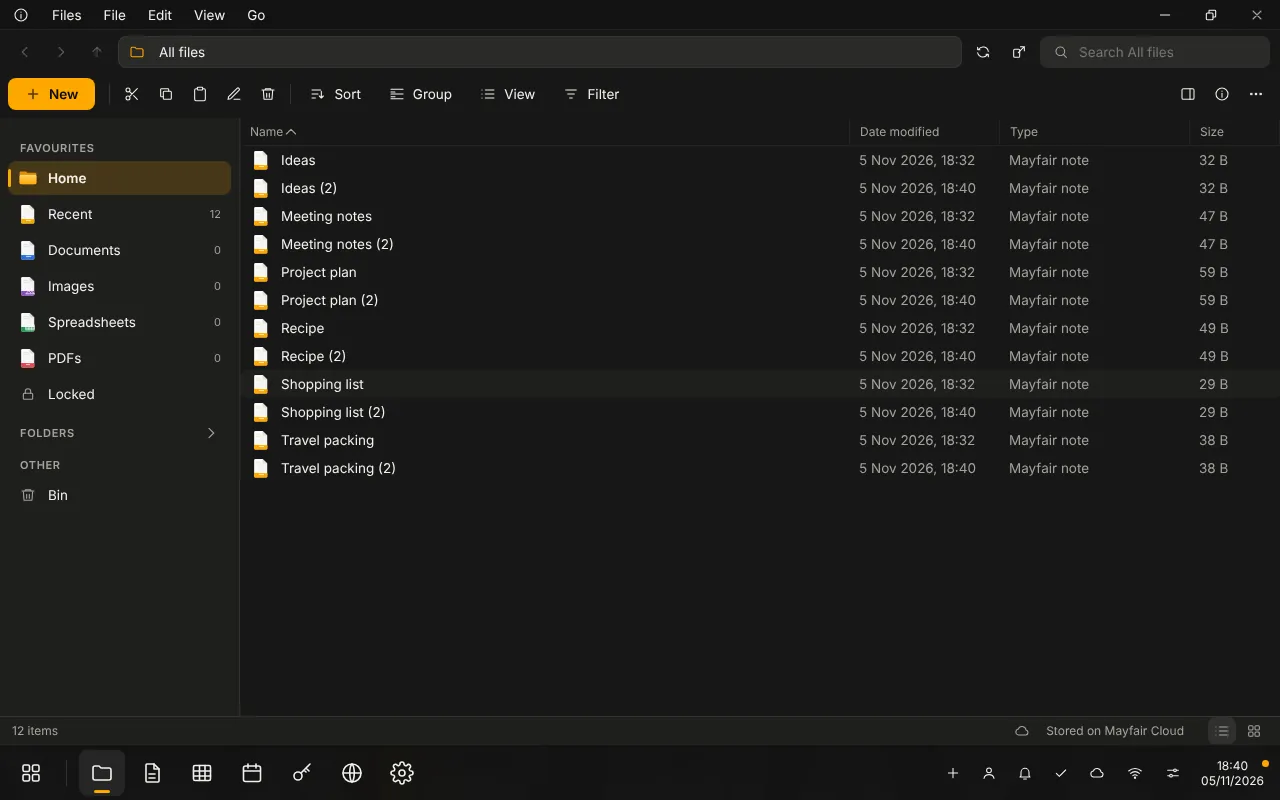
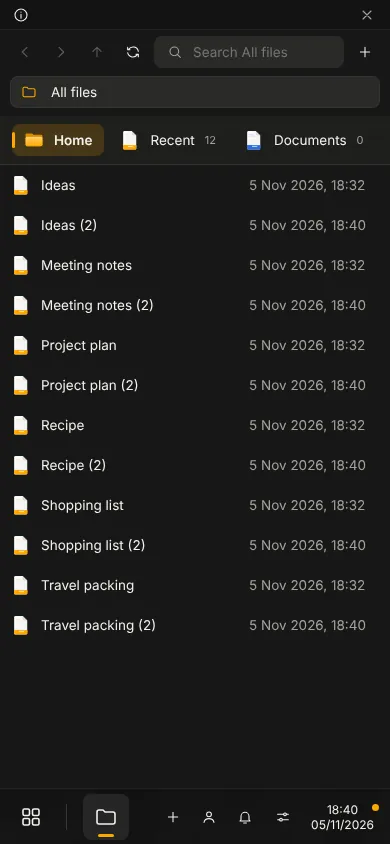
Screens show the running app with no personal data.
04Status
Live
Live. You can use it today.
The share dialog and properties are still thin. Locking a file is a password gate, not encryption.
- Group
- Workspace Tools
- Status
- Live
- Where
- files.mayfairmail.com and Mayfair Cloud
Related
All Workspace ToolsEveryday productivity: documents, spreadsheets, slides, storage, planning.DriveKeep your files in folders and find them again.PreviewOpen PDF, audio, video, zip and text files quickly.Archive ManagerBrowse and unpack zip and tar.gz archives.Mayfair CloudA desktop in your browser, with a library of apps behind one sign in.
Contact the office
Use Files.
Questions about it go to the office.