Workspace Tools
Tasks
Task lists with steps, repeats and due dates.
- Group
- Workspace Tools
- Status
- Live
01What it is
Tasks is a to do list in the Mail Suite, with coloured lists, steps, repeats and quick add that understands plain English.
Who it is for. Anyone who keeps a to do list.
02Features
What it does.
- 01Several coloured lists, plus My Day, Important, Planned and Completed views.
- 02Steps inside a task, and notes on a task.
- 03Repeating tasks: daily, weekdays, weekly, every two weeks, monthly or yearly.
- 04Quick add: “pay rent every month on the 1st” sets the title and repeat.
- 05Keyboard shortcuts: n for a new task and / to search.
03Screens
What it looks like.
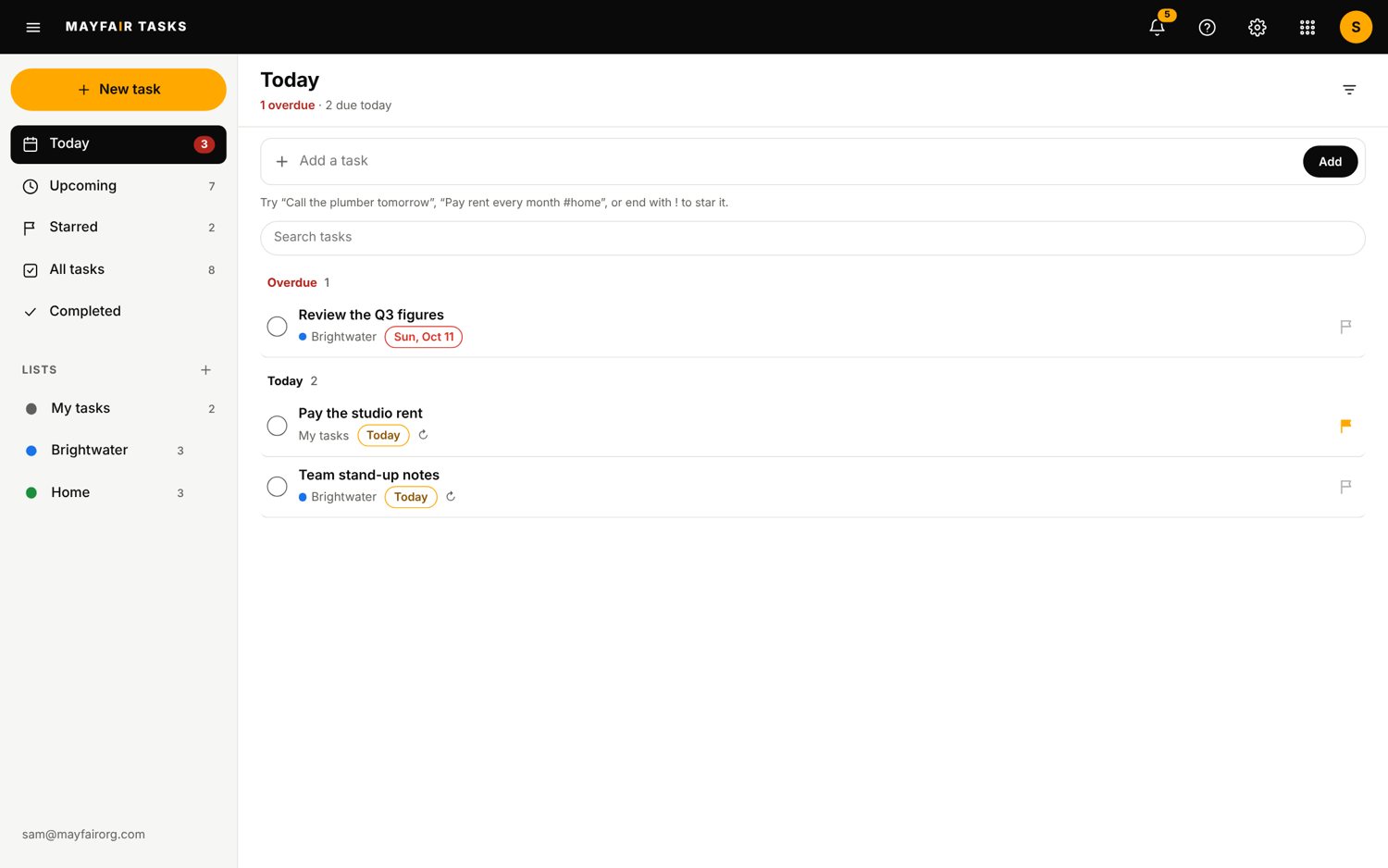
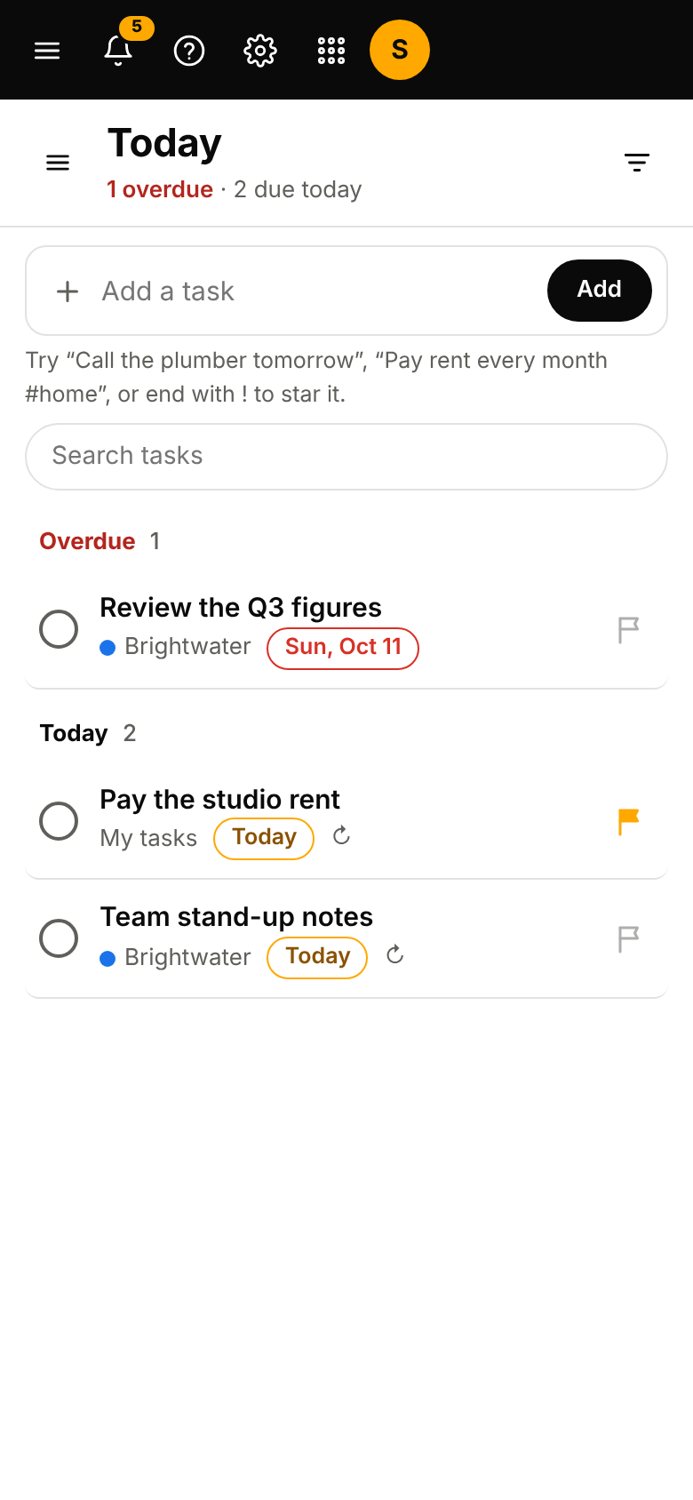
Screens are from the Mail Suite, with sample data.
04Status
Live
Live. You can use it today.
There are no reminders or times on tasks yet, and no dragging to reorder. Tasks with dates are not shown in Calendar yet.
- Group
- Workspace Tools
- Status
- Live
Contact the office
Use Tasks.
Questions about it go to the office.